Is SKYBORN free?
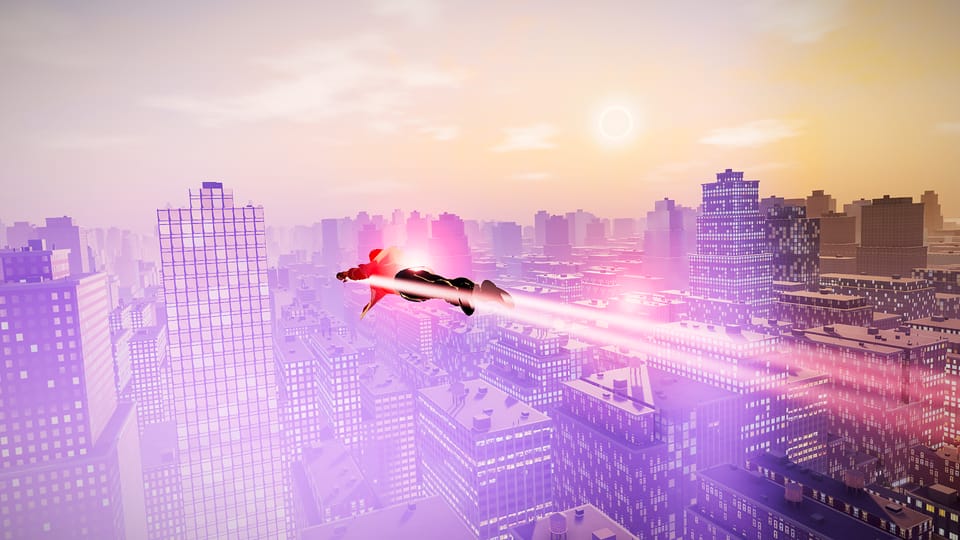
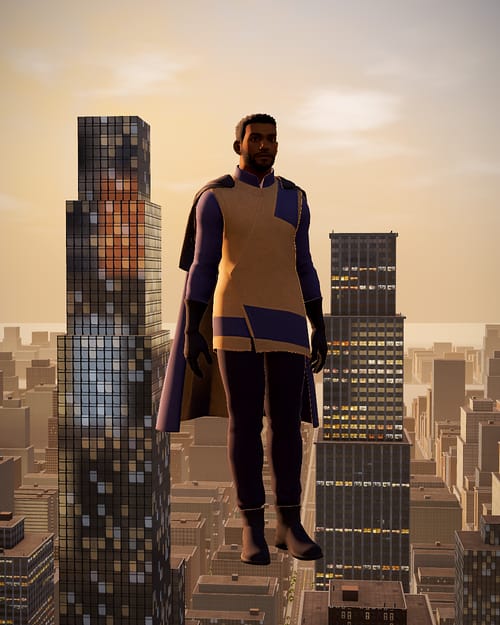
Yes. SKYBORN is free to play: all three heroes, every mode and every move. The in-game store sells cosmetic items only, and checkout isn't open yet.
Which devices can I play on?
A modern web browser on a PC or Mac, or the free desktop app for Windows and Mac. Play with keyboard and mouse or a controller.
How do I download it?
Choose Download for Windows or Download for Mac. The desktop app is the same game with the same account, built for smoother frame rates, and it keeps itself up to date. You don't need to download anything to play in your browser.
Windows: open Skyborn-Setup.exe. It installs in a few seconds and starts the game. The first time, Windows may show "Windows protected your PC": click More info, then Run anyway. If your browser says the file isn't commonly downloaded, choose Keep.
Mac: open Skyborn.dmg and drag Skyborn onto Applications (one download for Apple-chip and Intel Macs). The first time you open it: on macOS 15 or newer, click Done, then go to System Settings → Privacy & Security and click Open Anyway. On macOS 14 or older, right-click Skyborn and choose Open. If the Mac says the app is damaged, run xattr -dr com.apple.quarantine /Applications/Skyborn.app in the Terminal app and open it again. After the first time it opens normally.
Do I need an account?
Yes, a free SKYBORN account: a nickname, an email address and a password. It takes a few seconds, and it keeps your nickname, level and XP. Create one or sign in.
Can I play with my friends?
Yes. Choose Custom Match, create a match and send your friends the room code or invite link. You pick 1 v 1 up to 5 v 5, the round length, the number of rounds and whether bots fill the empty spots.
What if nobody else is online?
You still get a full match. Online matches wait up to 20 seconds for other players, then bots take the empty seats. Real players can join a match that's already on and take a bot's seat. Offline Arena lets you play against bots without going online.
How do levels and XP work?
You earn account XP in public Open Arena and Storm Survival matches: for knockouts, finishers, dodges, surviving the storm and finishing on the podium. Levels go up to 100. Custom matches and offline practice don't award XP.
What are the controls?
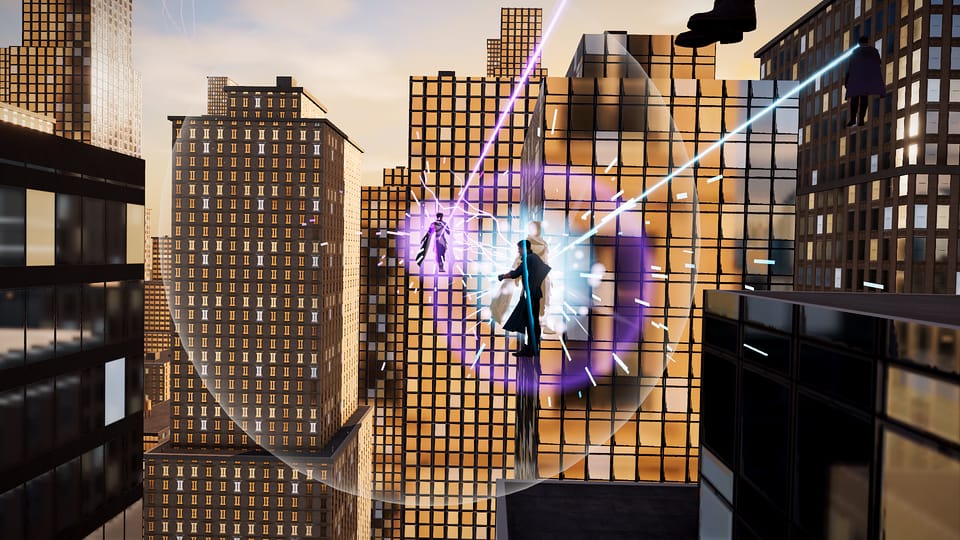
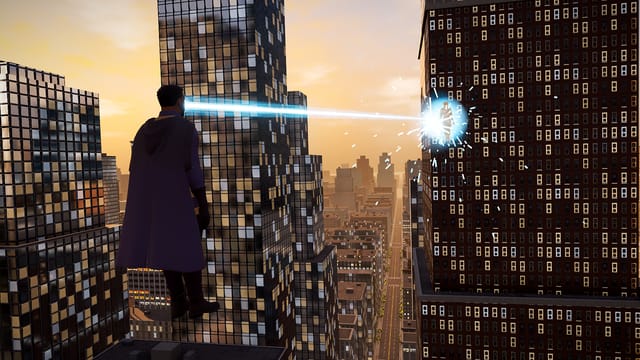
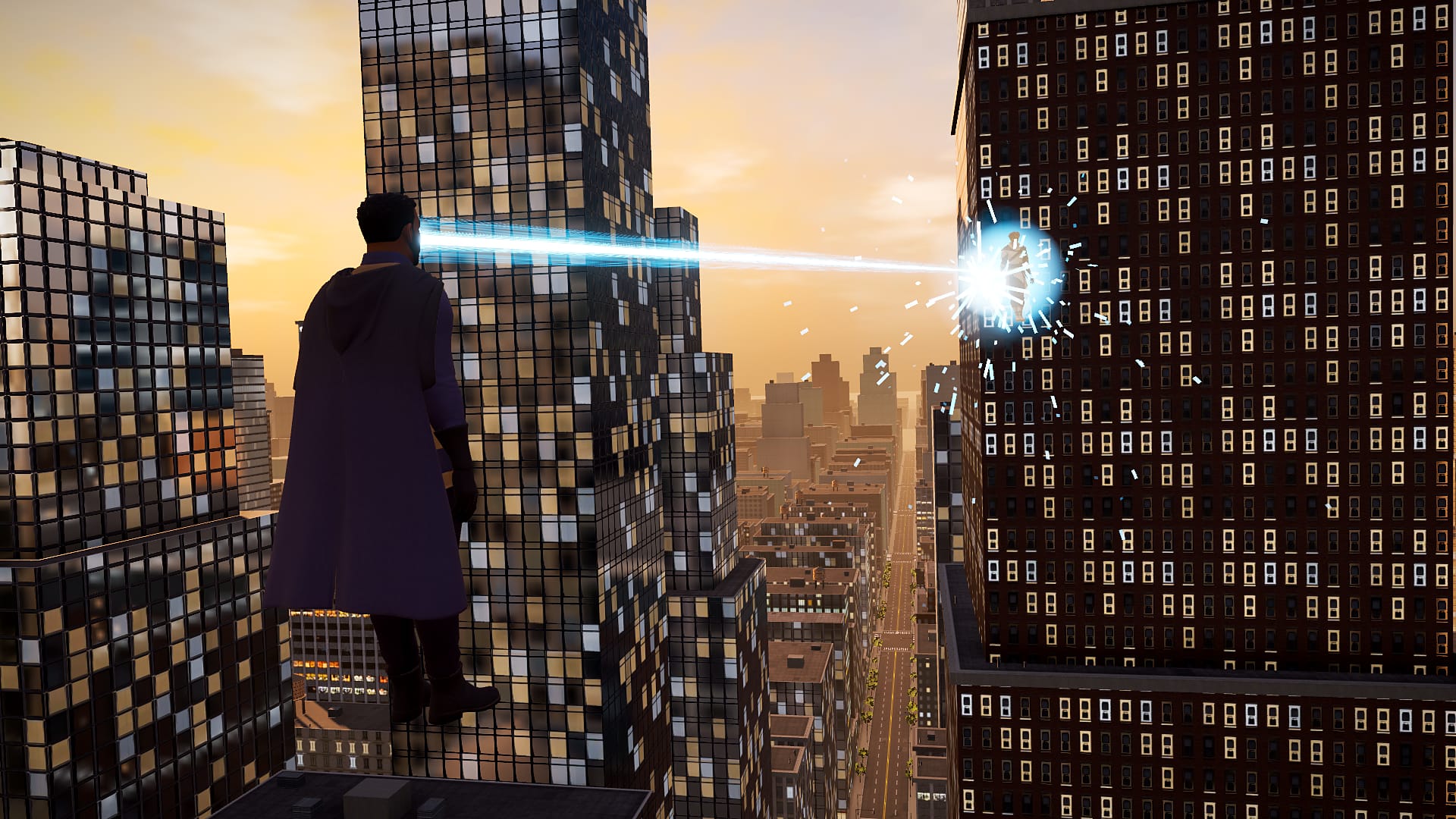
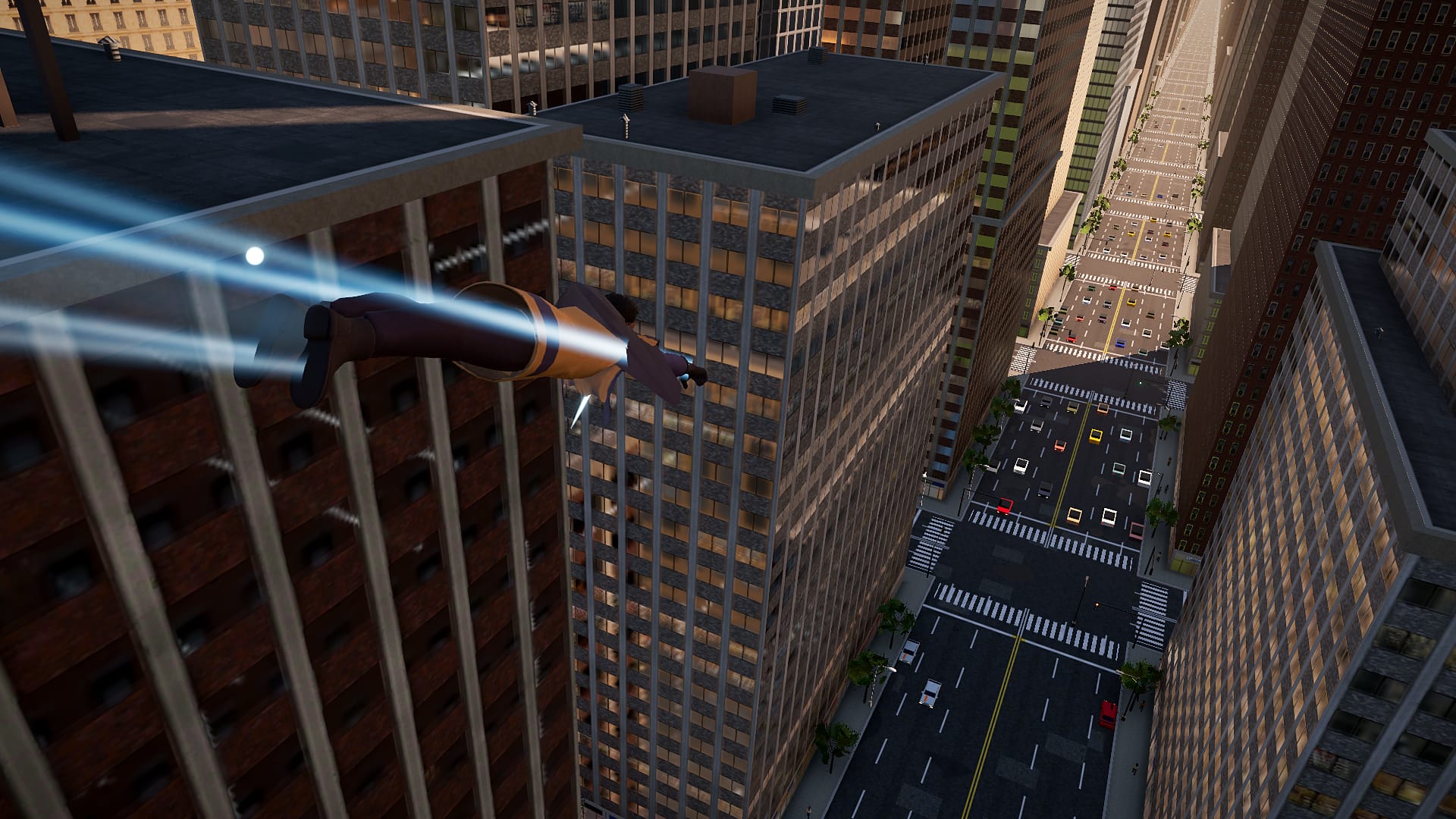
On PC: WASD to fly, the mouse to look, Space / C up and down, Shift to boost, left click to punch (keep pressing for a combo), right click for the heat beam, E tackle, Q shockwave, Alt dodge and G for a finisher. A standard controller works too.